The post is a small experiment in prompt engineering for UI generation. The author tried steering an LLM away from the now-familiar “AI slop” look by asking for different styles, then found that a Qt-style prompt produced the least offensive result. The core claim is not that Qt is objectively beautiful. It is that models do better when you pin them to a narrow, coherent visual language instead of asking for a vaguely “modern” web interface, which tends to collapse into rounded cards, gradients, oversized type, and other stock SaaS patterns.
That framing held up. People kept landing on the same explanation from different angles: desktop toolkits like Qt, macOS
Human Interface Guidelines, and even
Windows 9x give the model a much tighter target than “modern web UI,” which is really an average over years of interchangeable landing pages, component kits, and trend-chasing redesigns. Several commenters said this is why the SaaS version looks the sloppiest. It is not a bug. It is the statistical center of the training data. A few went further and argued that what people call AI slop is often just “web slop” made more visible and more abundant.
The practical advice was stronger than the aesthetics talk. People getting decent results are not relying on a single prompt. They constrain the model with an existing design system like
MUI or
Tailwind, or build a component gallery first and force reuse of approved widgets. Others reported better results by supplying screenshots, mood boards, or a rendered image from a
diffusion model, then asking the LLM to implement that visual target instead of inventing one. The consistent pattern is that AI can execute and iterate, but it does not reliably originate taste, hierarchy, or coherent interaction design on its own.
The mood was skeptical but not dismissive. Many readers said they can now spot AI-generated UI instantly, not because every app shares one exact style, but because the work often feels overstyled at first glance and incoherent once you click around. Still, several people said AI is already useful for personal tools and internal apps if you accept that it needs heavy art direction and cleanup. The cleanest conclusion was blunt: the “slop” label is less about any one framework and more about asking a model to average the internet and hoping that average will look designed.
envs.net
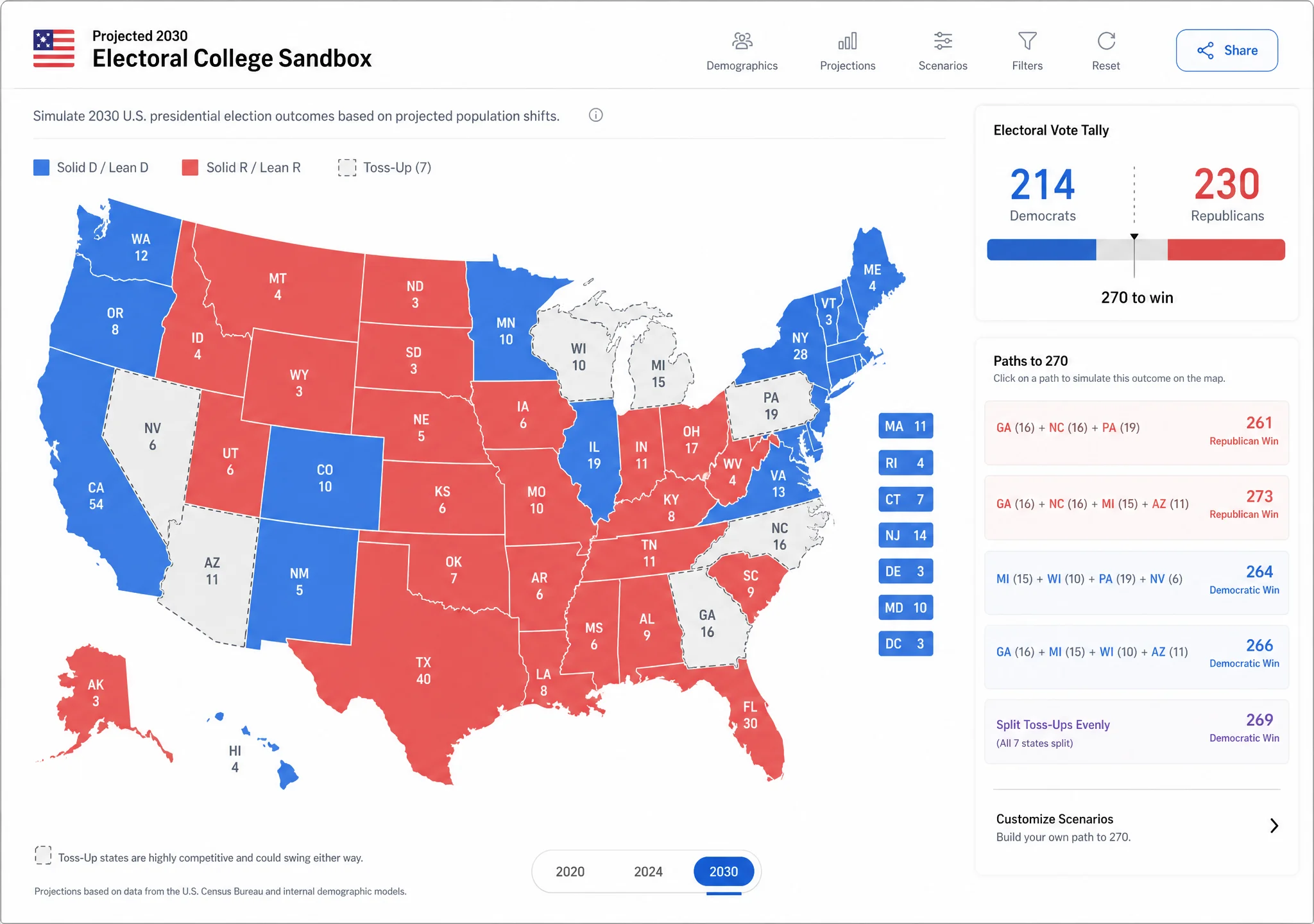 Generated UI screenshot 1
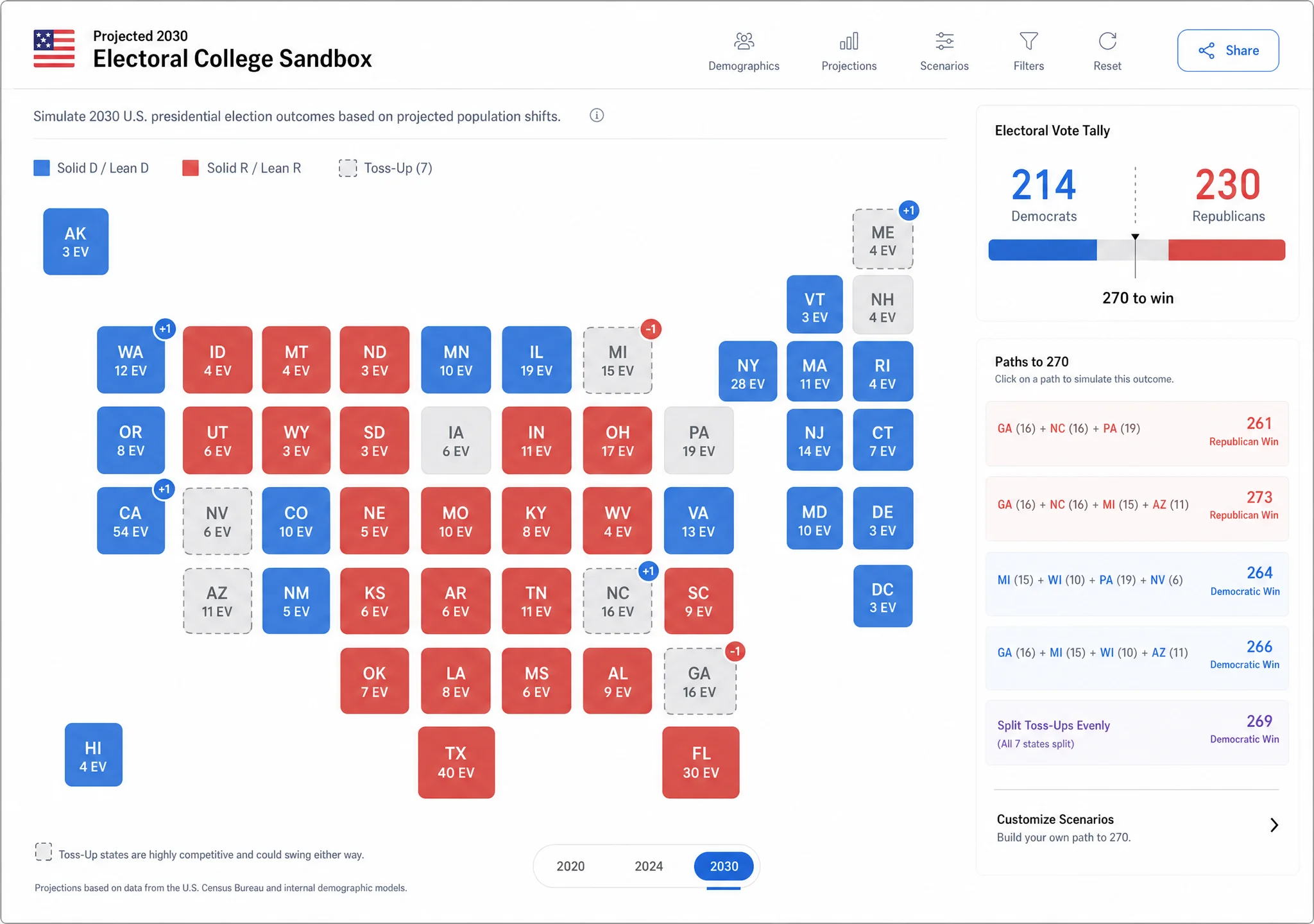 Generated UI screenshot 2
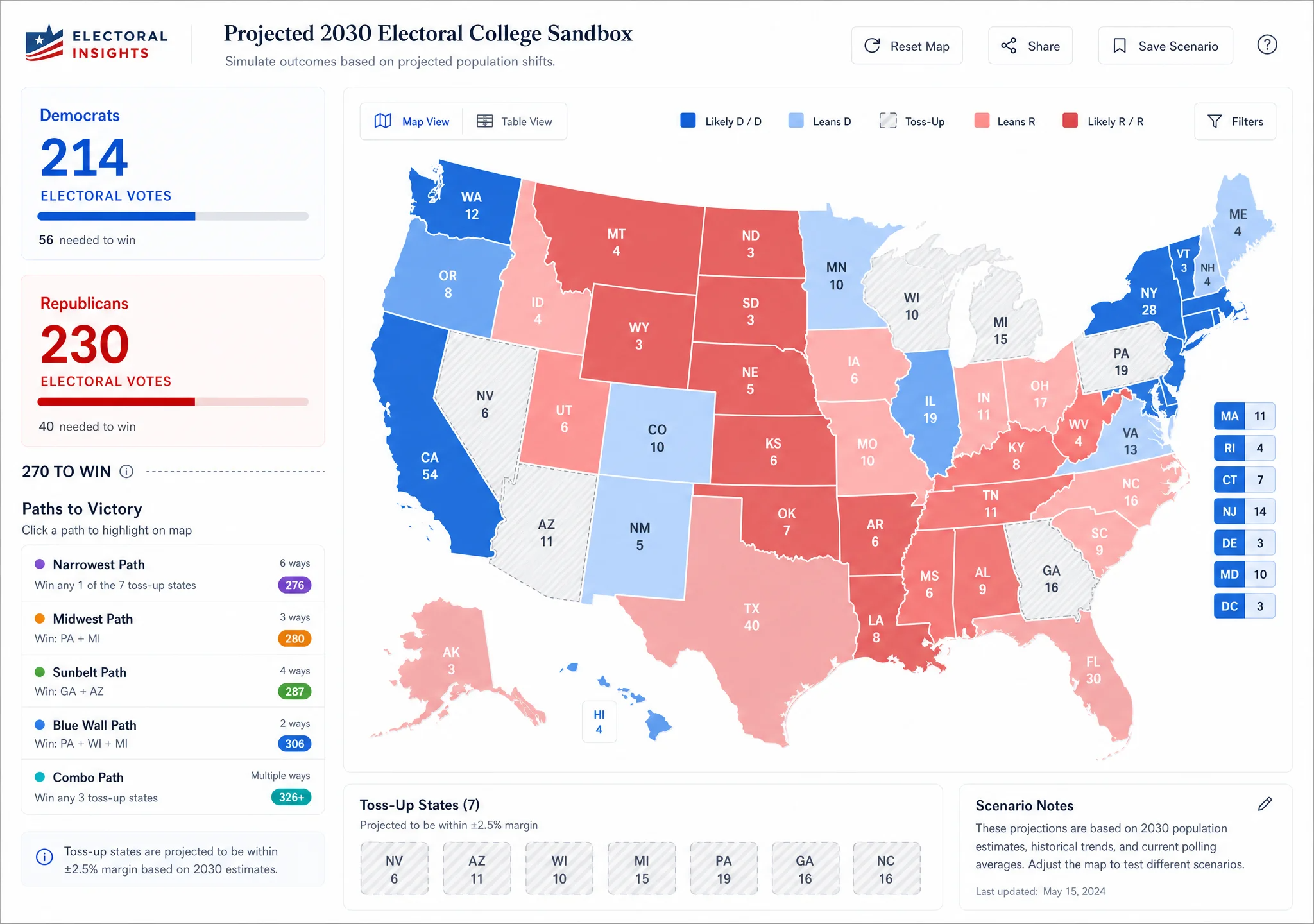 Generated UI screenshot 3